Guides
Digital Assets in Your Estate Plan
Digital assets are part of your estate plan too. A simple list, clear instructions, and the right legal documents can help your family reach important accounts, photos, and files when they need them.
What counts as a digital asset?
Digital assets are the online accounts, files, and devices you use in daily life. They can include email, cloud storage, social media, online banking access, phone photos, computer files, website accounts, loyalty points, digital business records, and cryptocurrency wallets.
Some digital assets have money value. Others have family value, like baby photos, messages, or a parent's videos. Both matter. If no one can find them or access them after a death or incapacity, they may be lost or tied up for a long time.
The practical goal is simple: make it easier for the right person to find what exists, know what you want done with it, and have legal authority to act if needed. That usually takes more than just sharing a password.
- Email and phone accounts
- Photos, videos, and cloud storage
- Social media and messaging apps
- Online banking and payment apps
- Crypto wallets and exchange accounts
- Business logins, domains, and websites
The short answer: yes, you should include digital assets in your estate plan
Yes. If you have online accounts, important files, or anything stored behind a password, your estate plan should address them. This is especially true if your family would need your phone, email, cloud storage, or financial logins to handle bills, find records, or save family photos.
A will or trust can name the people who manage your affairs, but digital access has its own problems. Companies have their own account rules. State laws also vary on what a personal representative, trustee, or agent under a power of attorney can access. That is why it helps to plan clearly instead of assuming your family can simply log in later.
This is general educational information, not legal advice. Estate planning and probate rules vary by state and change over time, so it is smart to review your plan with a licensed estate planning attorney in your state.
What to put in your plan
A good digital-assets plan usually has two parts: a legal part and a practical part. The legal part names who can act for you if you die or become unable to manage things yourself. The practical part tells them what exists and how to find it.
Your legal documents may include a will, a trust if you have one, a financial power of attorney, and sometimes written instructions about digital accounts. Depending on your state, your attorney may use specific language to give your executor, trustee, or agent authority over digital assets.
Your practical list should stay outside the will itself, because a will can become part of the probate file and you do not want passwords in a public document. Keep a private, updated inventory instead.
A simple digital-assets checklist can include:
- your devices and where they are kept
- your email addresses and phone number
- important online accounts
- where passwords are stored, such as a password manager
- whether you use two-factor authentication and how codes are received
- which accounts have money value and which have family value
- what you want done with photos, social media, websites, and crypto
Do not put passwords inside your will
This is one of the most common mistakes. A will can go through probate, and probate records may be easier for others to see than you expect. Also, passwords change often. If you put them in the will, the document may be out of date quickly.
A better approach is to keep passwords in a secure place, such as a password manager, encrypted digital vault, or sealed written list stored safely. Then your estate plan can say who should have access and where the information can be found.
If you use a password manager, make sure a trusted person knows it exists and understands how your emergency access or backup process works. If you use two-factor authentication, think about what happens if your phone is lost, locked, or disconnected.
Special care for photos, crypto, and online money
Family photos and videos may be emotionally priceless, but they are often the easiest thing to lose. Phones break. Cloud accounts lock. People forget which email address was used. Back up important memories and tell someone where the backups are.
Cryptocurrency needs even more care. If your family cannot find the wallet, private key, seed phrase, or exchange access, the asset may be unreachable. At the same time, storing this information carelessly can create a theft risk. This is one area where careful legal and practical planning matters a lot.
Online payment apps, loyalty accounts, and business platforms can also matter after a death. They may hold money, recurring subscriptions, customer records, or tax information. Make a list so your family is not left guessing.
Common pitfalls include:
- no one knows your main email password
- your phone is the only place two-factor codes arrive
- crypto instructions are missing or too vague
- important photos exist only on one device
- a family business depends on one person's login
How digital assets fit with your will, trust, and power of attorney
Your digital plan should match the rest of your estate plan. If your will names one person as executor, your trust names another as trustee, and your power of attorney names someone else for incapacity, each person may need different access at different times.
For example, if you are alive but unable to act, your agent under a power of attorney may need authority to pay bills, reach email, or manage subscriptions. After death, your executor or trustee may need authority to collect records, close accounts, or transfer property. State law may treat these roles differently.
This is why DIY forms can fail. A generic form may not include the wording your state or a platform needs. Other common estate-planning mistakes still matter here too: dying without a will, leaving beneficiary designations out of date, naming no guardian for minor children, or creating a trust and never funding it. Digital planning works best when it is part of a full review, not an afterthought.
If you want a broader overview first, you can start with our guides or learn about estate planning topics in services.
A practical way to get this done
You do not need to solve everything in one day. Start with the accounts and devices your family would need first, then build from there.
- Make a private list of your important digital accounts, devices, and storage locations.
- Note where passwords are stored, but do not place passwords in your will.
- Decide who should handle things if you die or cannot manage them yourself.
- Write down what you want done with photos, social media, websites, subscriptions, and crypto.
- Review your will, trust, and power of attorney with a licensed estate planning attorney in your state.
- Update the list regularly when accounts, phones, or password tools change.
WillArbor is a free matching service, not a law firm and not your lawyer. We provide general educational information and can help you get matched, free, with a licensed estate planning attorney near you. Families stay in control: you compare attorneys, choose who to hire, and confirm the flat fee in writing before any work starts.
For many people, adding digital-assets planning to a will-based or trust-based estate plan is handled as part of a flat-fee package. Very general ranges people may see are about $300 to $1,000 for a basic will package, around $1,000 to $3,500 or more for many trust-based plans, and more for complex estates or business needs. These are not quotes, and the real fee depends on the documents, complexity, and state. If you are ready, you can get matched for free.
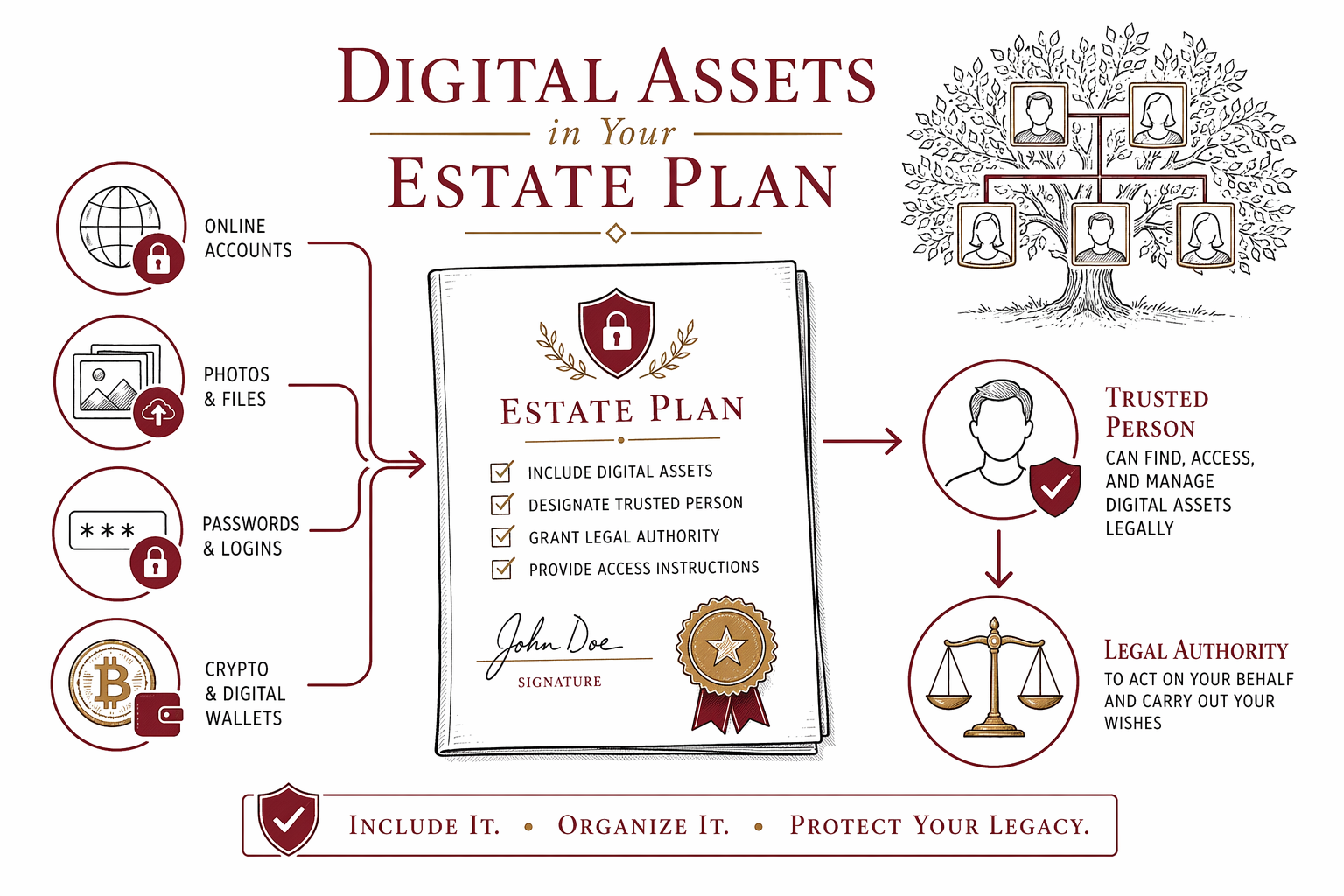
Include your online accounts, photos, passwords, and crypto in your estate plan so the right person can find them and handle them legally when needed.
Common questions
Can my family just use my password after I die?
Not always. Even if they know the password, a company's terms and state law may limit access. It is safer to plan ahead with proper legal documents and clear instructions.
Should I list my passwords in my will?
Usually no. A will may become part of the probate process, and passwords change often. Keep them in a secure private system and tell the right person how to find it.
What if I have cryptocurrency?
Crypto needs extra care because access may depend on private keys, seed phrases, devices, or exchange logins. If those are lost, the asset may be unreachable, so get state-specific guidance from a licensed estate planning attorney.
Do I need a trust for digital assets?
Not always. Some people handle digital assets through a will, power of attorney, and a private inventory. Whether a trust makes sense depends on your goals, your property, and your state.
How much does this usually cost?
Often it is included in a broader estate plan quoted as a flat fee, not hourly. Very general ranges may be about $300 to $1,000 for a basic will package and around $1,000 to $3,500 or more for many trust-based plans, but these are not quotes and vary by state, documents, and complexity.
What does WillArbor collect if I ask to be matched?
Only contact and planning-intent details: your name, phone, optional email, state, what you want to plan, and preferred language. WillArbor does not ask for asset values, account numbers, document contents, Social Security numbers, income, or other sensitive estate details.
Related help
The difference between a will and a living trust, when each makes sense, and why many families use both.
Open → How to Avoid ProbatePlain-language ways families reduce or avoid probate — trusts, beneficiary designations, and joint ownership.
Open → What Happens If You Die Without a WillIntestacy explained: how your state decides who inherits when there is no will — and why that may not match your wishes.
Open →